

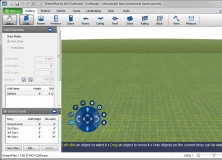
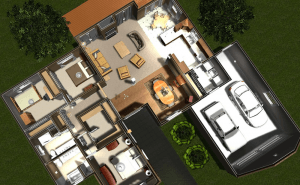
Sweet Home 3D is a home and interior design program that can help you to place all your furniture, walls, doors and appliances in minutes and gives you a real time 3D preview of all your plans. You can create walls of desired dimensions and directions, use textures for your walls, hang paintings on them and much more.
Sweet Home 3D is designed with novice users' abilities in mind. You don’t need any prior knowledge to use this program. In fact, you will think that everyone can become an interior designer after using this wonderful program. You can use the available furniture that is given with the program or download more from the official website for free.
The best feature of this program is its support for 3D .obj files. It means you can import any 3D object file or furniture to use with your home plans. You can design any object or furniture using other 3D design tools and use it in your plans. Additionally you can export the plan to a 2D PDF file for future realization.
The program is not very flexible, so it may not be preferable for professionals, but the easy user interface is surely attractive. It makes interior designing as simple as dragging and dropping.

















Comments (8)